
How to use the Calendar on the Neela Web App
Open the Calendar tab. Tap Calendar in the navigation to see your upcoming appointments and a view of what's scheduled for the days and weeks ahead.
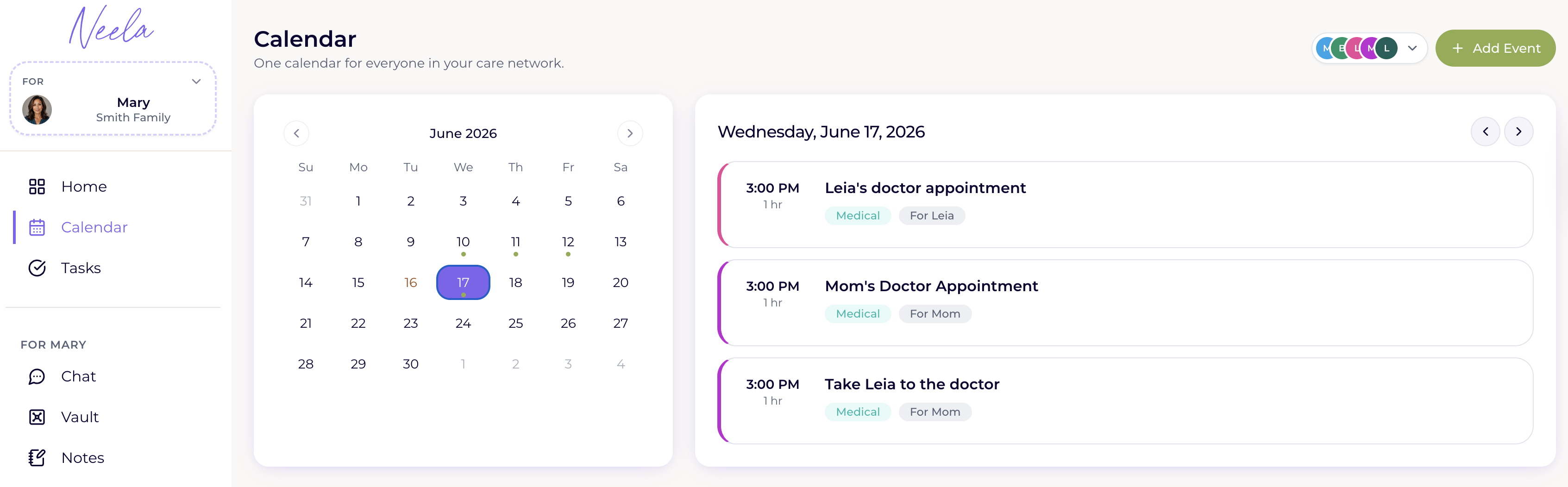
Add an appointment through Chat. You can ask Neela to add an appointment for you right from the Chat screen by saying something like "Add a cardiology appointment on Thursday at 2 pm," and she'll take care of the rest.

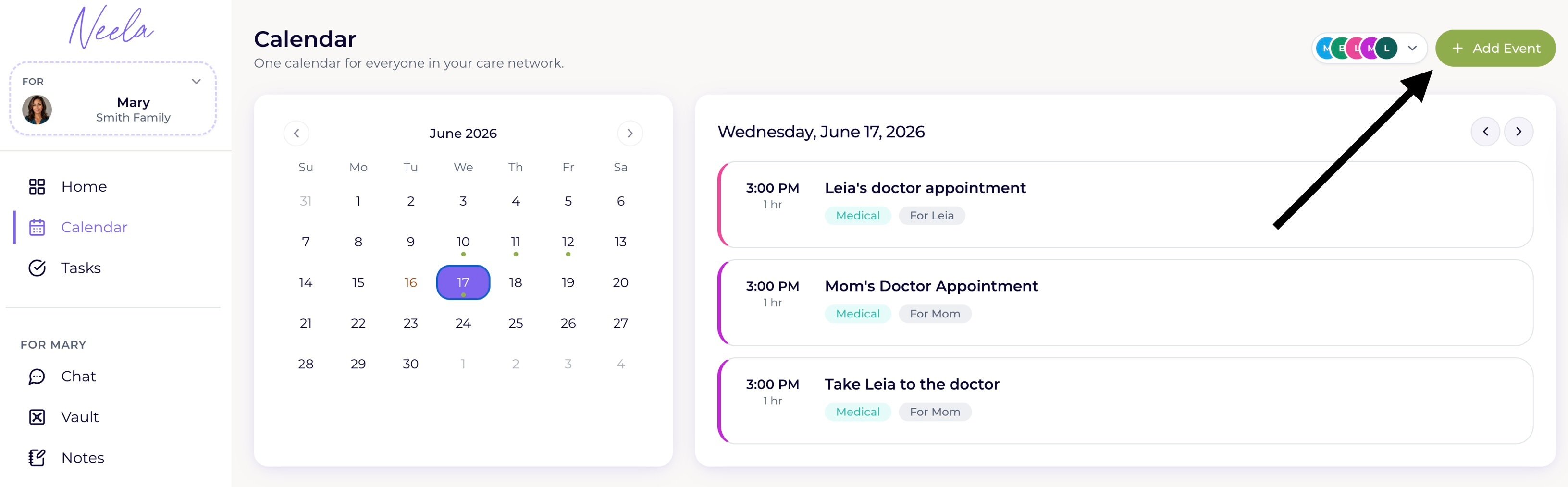
Or add it manually from the Calendar. Tap the Add button in the Calendar tab to enter the appointment details yourself, including the date, time, provider name, and any notes you want to remember
Review upcoming appointments before each visit. Tap any appointment to see its details and any notes you saved, and if you want to prepare questions ahead of time, just head over to Chat and ask Neela to help you get ready