
Chat on Mobile
Open the Chat in Neela. From Neela's home screen, select the person in your care network you want to chat about, and tap Chat in the navigation to open your conversation with Neela. 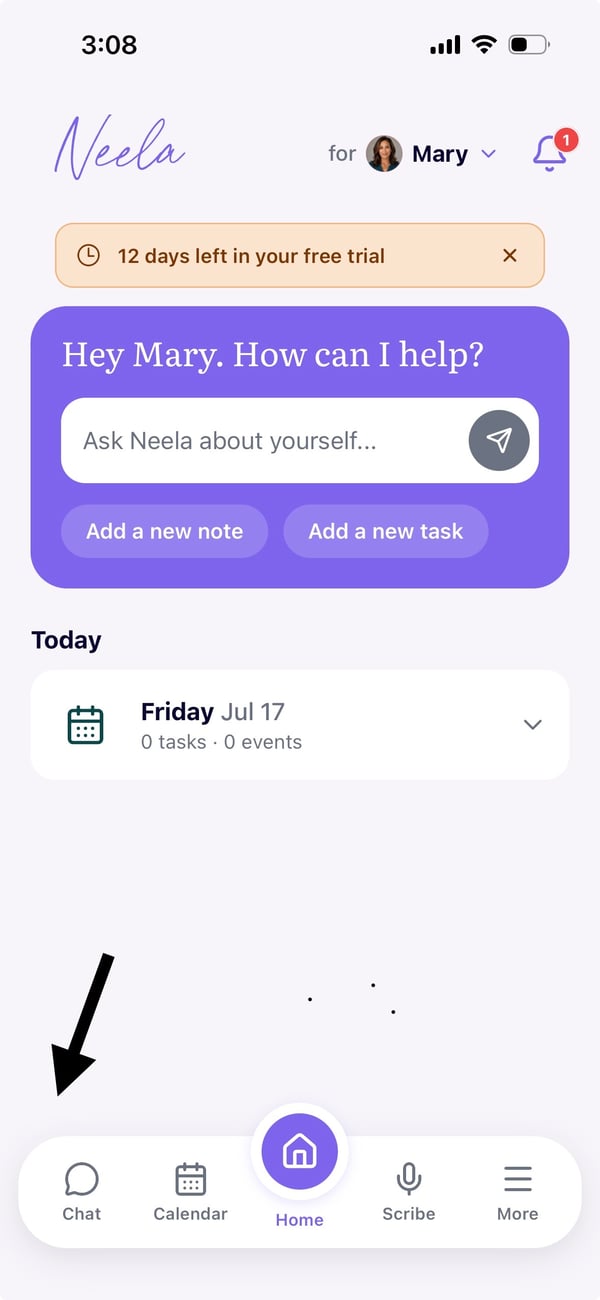
Type or speak your update: Just say what's on your mind like, "remind me to ask about mom's new medication at her next visit" or "I've been having more frequent headaches. Remind me to call my doctor tomorrow."
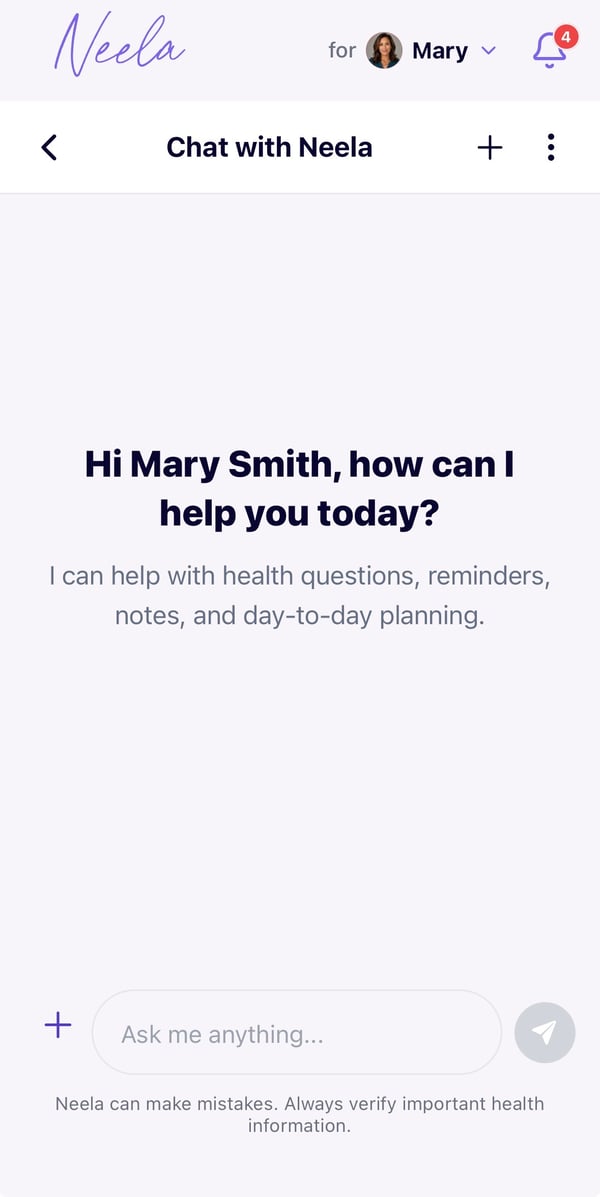
Ask Neela a question. If something comes up and you're not sure what it means, just ask Neela directly. Instead of going down a rabbit hole of search results, Neela will provide you with an answer or a next step.
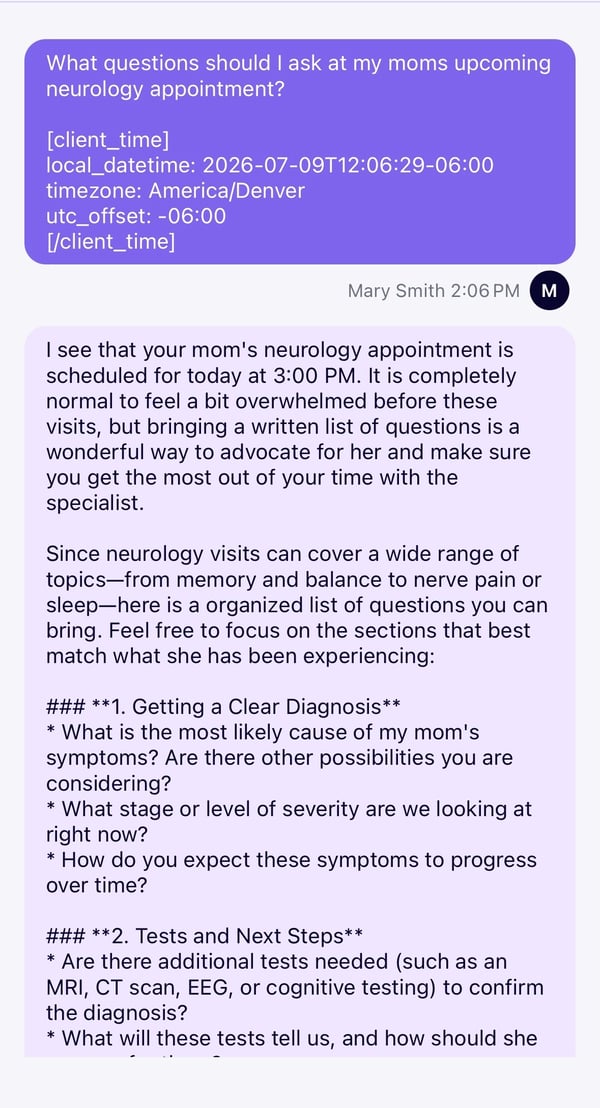
Neela will organize it for you. Neela syncs between mobile and web, so all your chats are saved and will show up the next time you log in on any device.