
Chat on Web
Open the Chat tab in Neela. From the home screen, select the person in your care network you want to chat about, and tap Chat in the navigation to open your conversation with Neela, which is always ready and waiting for you.
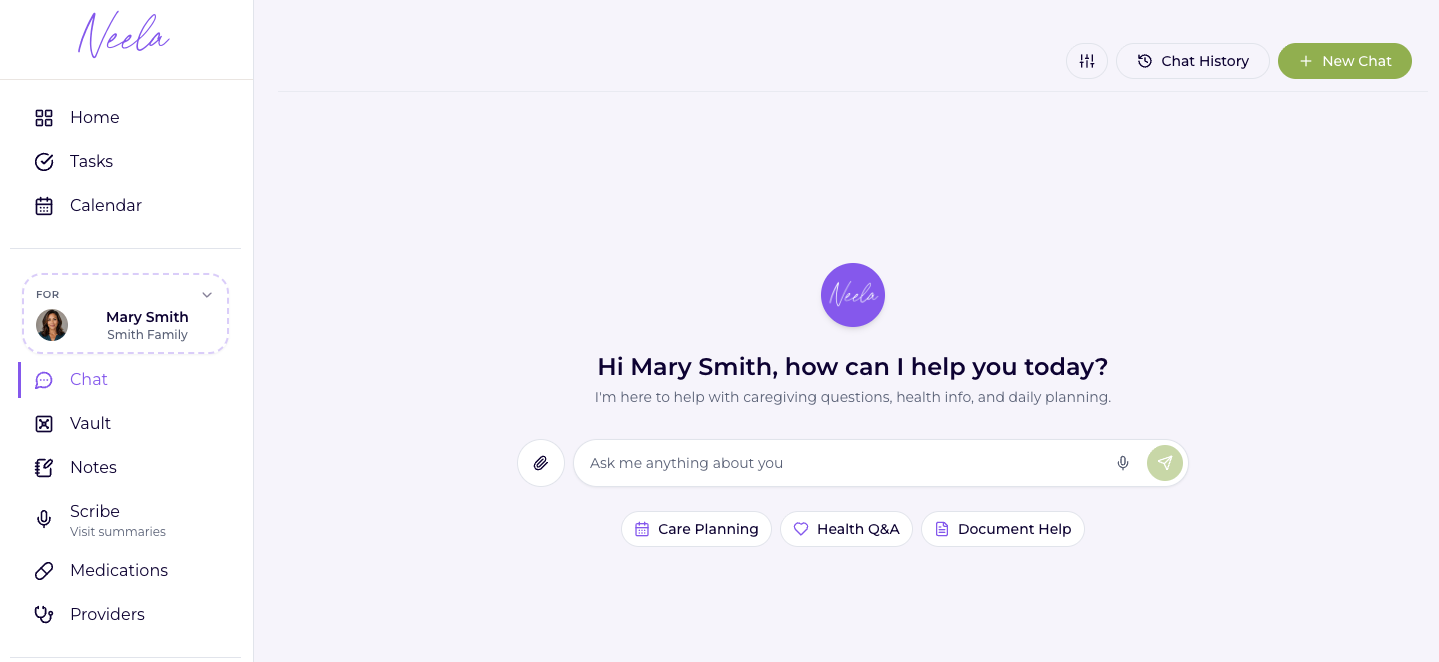
Type your update: Just say what's on your mind in plain language, like, "Mom seemed more tired than usual today" or "I want to ask the doctor about her new medication at the next visit."
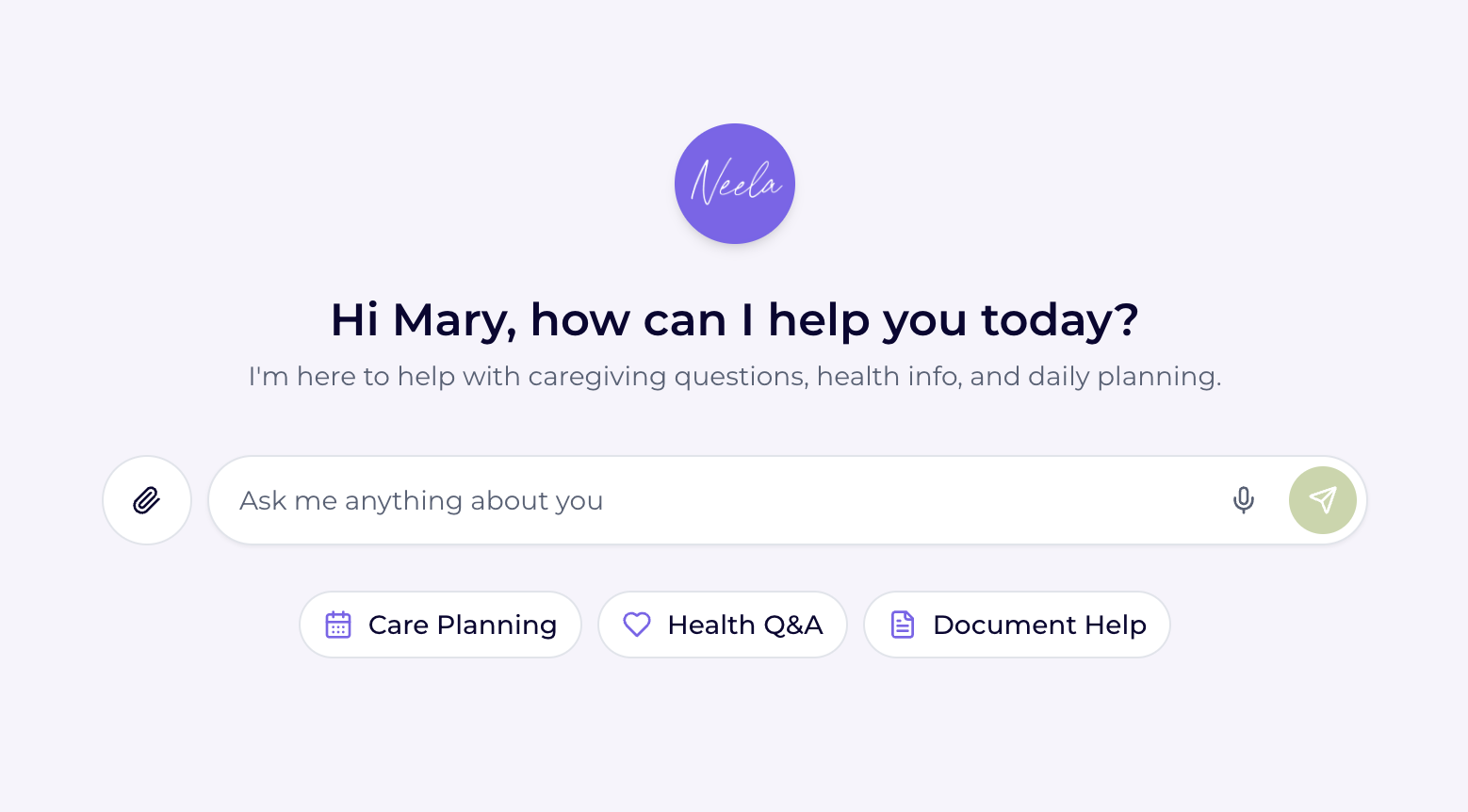
Ask Neela a question. If something comes up and you're not sure what it means, just ask Neela directly, and she'll help you understand it without sending you down a rabbit hole of search results.
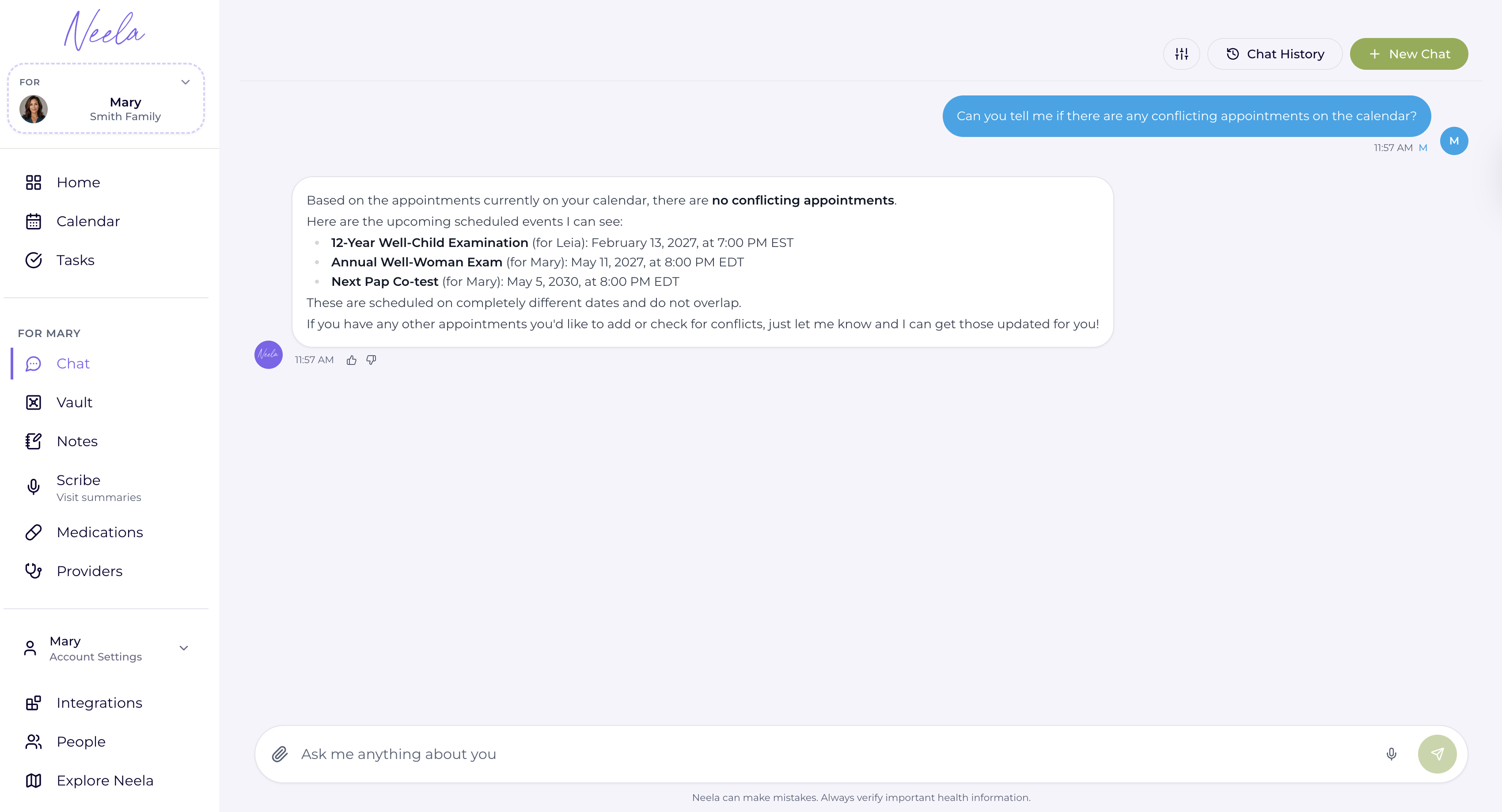
Let Neela organize it for you. Everything you share gets saved and syncs between the web app and the mobile app so you never have to worry about losing information.
Come back to it before the next appointment. Before your next doctor visit, ask Neela to summarize everything, so you can walk in feeling prepared and confident that nothing important was forgotten.