
How to use Notes on Neela Web App
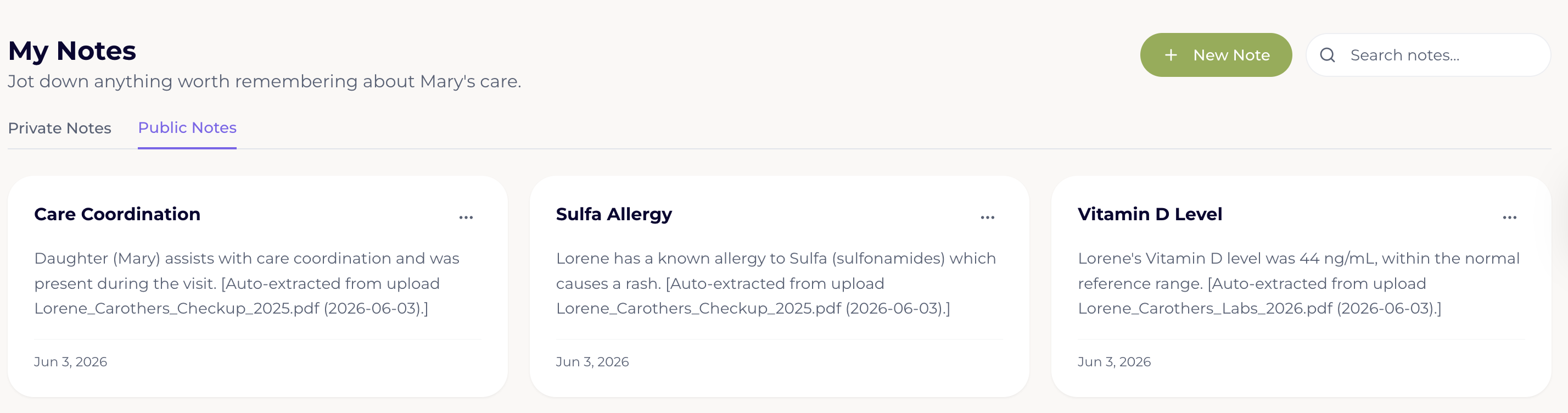
Open the Notes tab in Neela. Tap Notes in the navigation to see all of your saved notes listed in order, with the most recent ones at the top, so you can find things quickly.
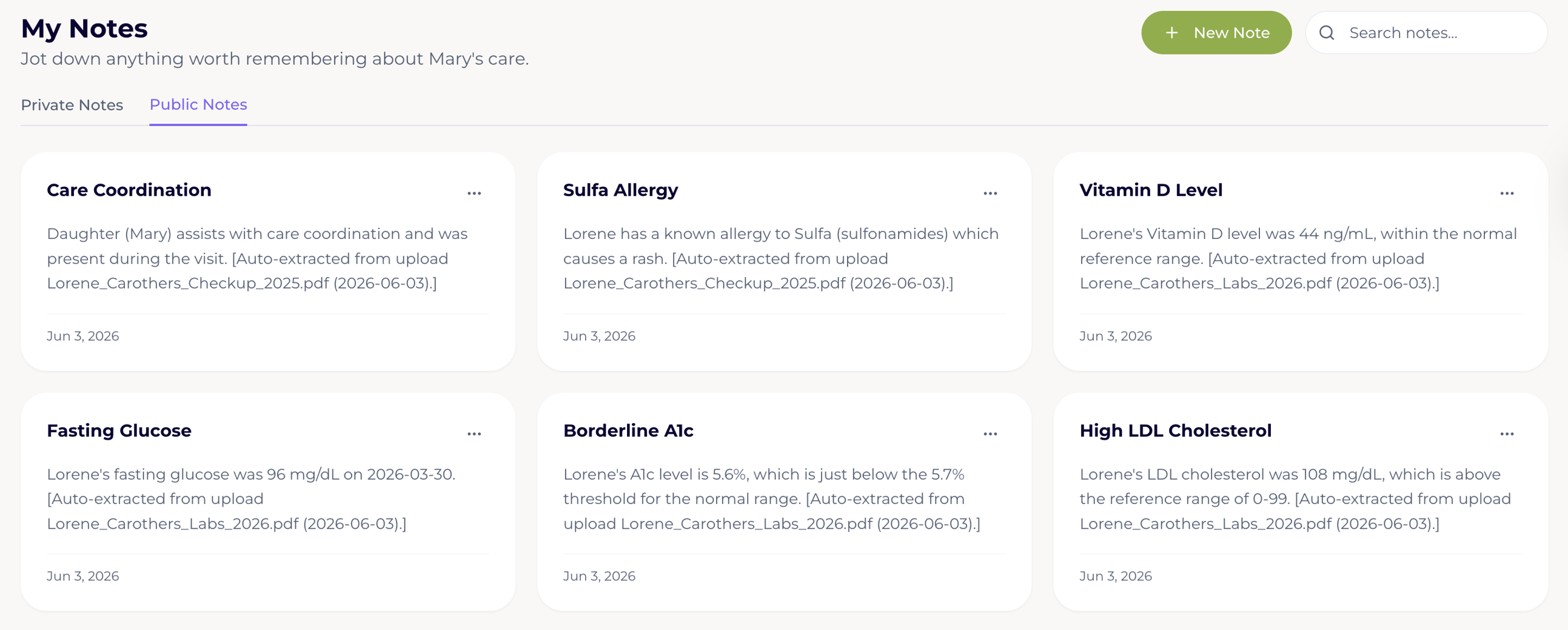
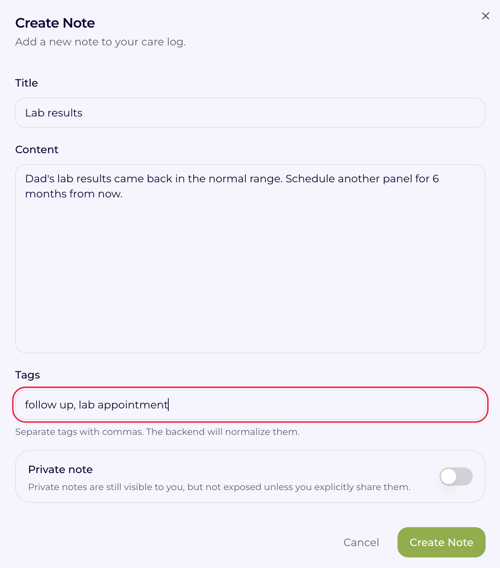
Tap "New Note" to add a new note: Tap New Note, and a blank note will open up where you can type whatever is on your mind, as long or as short as you need it to be.
Write what you want to remember. This could be something like "Dad seemed more confused than usual this afternoon" or "Remember to ask about the new blood pressure reading at the next visit," and there's no right or wrong way to phrase it.
Ask Neela to summarize your notes before the next appointment. Head over to Chat and ask Neela to pull together anything important from your recent notes before a visit. Notes are a great way to notice patterns or changes that have been building up gradually, since small details that seemed minor on their own can tell an important story together when you look at them as a whole.