Last updated: September 29, 2026
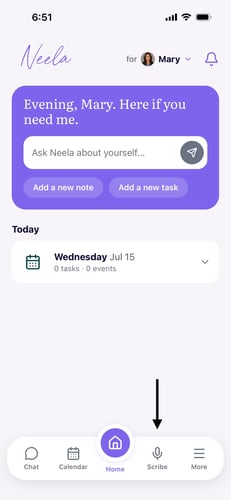
1. Open the Neela app and go to Scribe. From the main screen, tap the Scribe button in the navigation, and you'll land on the recording screen, ready to go.
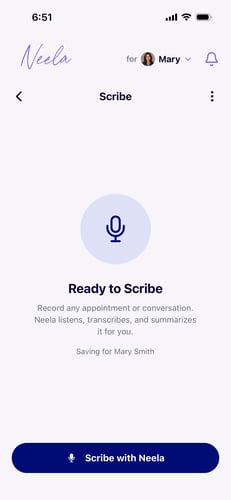
2. Tap the button to start listening. When the appointment or conversation begins, tap Start Recording, and Neela will start listening in the background while you stay focused on the conversation.
3. Stop when the conversation ends. When you're done, tap Stop and Neela will process the recording and put together a summary for you in just a moment.
4. Review your summary. Neela creates a clear, organized summary with key instructions, medication changes, follow-ups, and next steps so everything you need to remember is right there in one place.
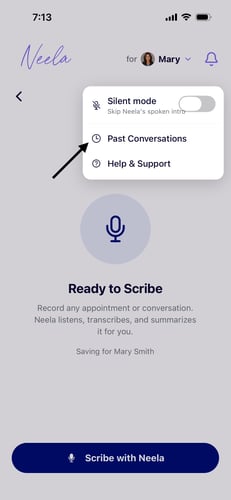
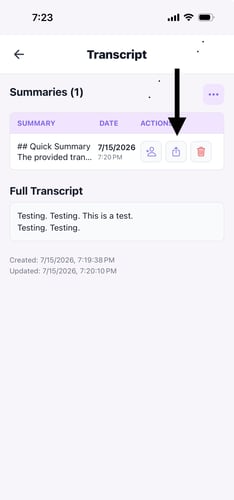
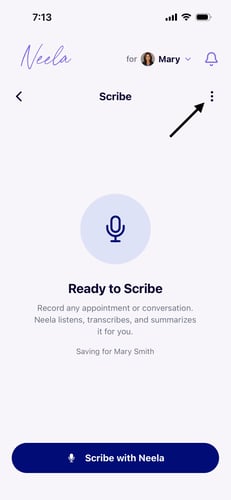
5. Find it again anytime. Your summaries are saved automatically so you can go back and read them before the next appointment or share them with a family member who is also helping with care. Click on the 3 dots, select "past conversations", and see your voice history.