Your personal assistant for care coordination.

Neela already knows your care profile — the medications, the providers, the appointments, the notes. She holds it all so you don't have to. Here's everything she can do, and how to get started today.


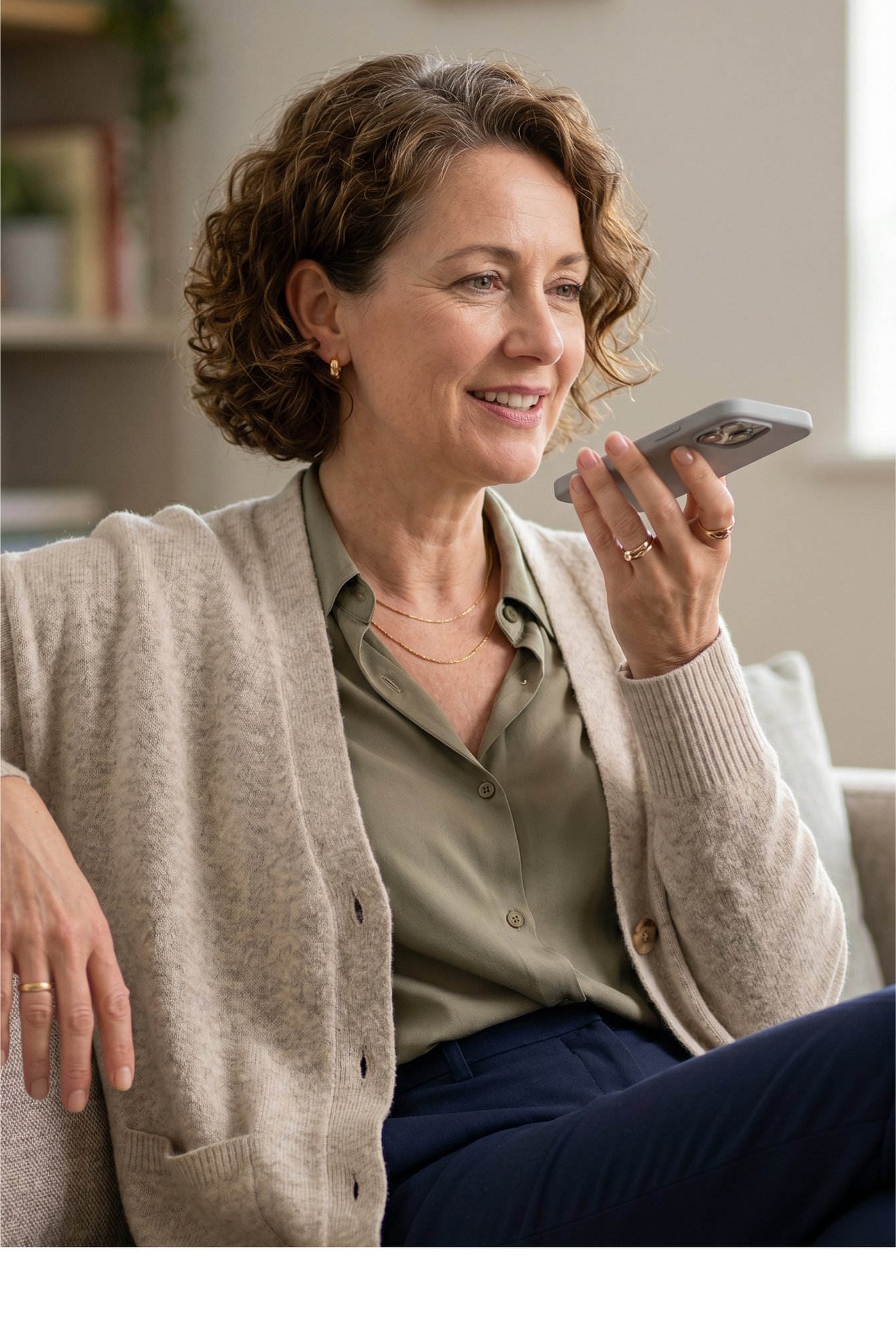
woman on phone

Best Practices

Getting the most out of Neela starts with one simple habit: tell her more. 

  1. The more she knows, the better she helps

    Neela gets smarter as you give her more information. The best place to start is to upload a document, let Neela memorize it, and ask you questions. You can also add a medication or log a note. Every piece of information makes her more useful. You don't have to do it all at once. Even one thing today makes tomorrow easier.

  2. Talk to her like a person, not a search bar

    Neela understands plain language. "What did the cardiologist say last time?" works better than searching through notes yourself. The more naturally you ask, the better her answers get.

  3. Let her do the updating after appointments

    After a doctor visit, just say, "We just got back from the neurologist. Can you update everything?" She'll handle the medications, the notes, the follow-up tasks, and the next appointment. 

  4. Use Scribe before you walk into any appointment

    Open Scribe, tap record, and put your phone in your pocket. When the appointment ends, you'll have a full summary waiting for you. You won't miss a thing — and you won't have to write anything down.

Good First Steps

You don't have to do everything at once. Pick one, and go from there.

Start here

Ask Neela where to begin.

Open Chat and say "where do I start?" She'll walk you through the most important things to set up first based on your situation.

Upload a document

Give Neela a document to learn from

Upload an insurance card, a discharge summary, or a medication list to Vault. She'll read it and remember it — no manual entry needed.

Add a medication

Start your medications list today

Even adding one medication starts building the profile Neela needs to help you. She'll have it ready every time you need it.

Try Scribe

Record your next doctor visit

Tap Scribe, hit record before you walk in, and stop it when you leave. You'll never lose what the doctor said again.

Frequently Asked Questions

Here you can find some of the most common questions we receive.