6 min read

How to Manage Care for Multiple Family Members in One Portal

How to Manage Care for Multiple Family Members in One Portal
11:33

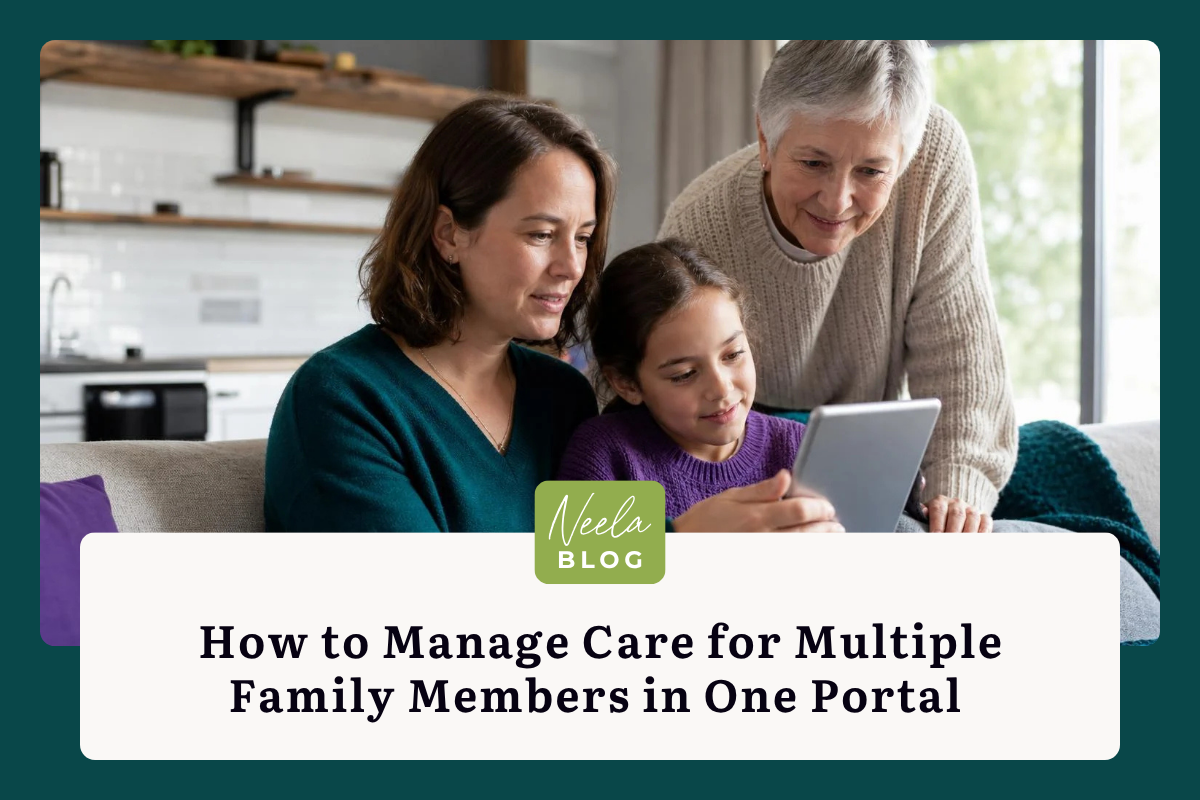
If you're caring for an aging parent while also keeping tabs on a child's medical needs or coordinating with a sibling about your dad's prescriptions, you already know how quickly things spiral. Sticky notes pile up, text threads get buried, and critical details slip through the cracks. The question so many families are asking right now is simple: where can I manage multiple family members' care in one place? The answer has gotten much better in 2026, thanks to purpose-built care portals that pull appointments, documents, medications, and conversations into a single view. But choosing the right portal and actually using it well are two different things. This guide walks you through both, step by step, so you can stop juggling and start feeling like you have a handle on things. You deserve that. Your family does too. And the good news? Getting organized is easier than you think once you know what to look for.

The Benefits of Centralizing Caregiving Responsibilities

Caring for multiple family members often means operating in survival mode. You're switching between pharmacy apps, patient portals, insurance websites, and group chats, all while trying to remember who has an appointment on Thursday. Centralizing these responsibilities into one portal doesn't just save time: it changes how you experience caregiving. Instead of reacting to crises, you start anticipating them. Instead of feeling scattered, you feel grounded.

Reducing Administrative Burden and Information Silos

The average family caregiver in the U.S. spends roughly 24 hours per week on care tasks, according to AARP's most recent data. A significant chunk of that time goes to administrative work: filling out forms, calling pharmacies, tracking down test results. When each family member's information lives in a different system, you're essentially doing the same task multiple times in multiple places.

A unified portal eliminates that duplication. You log in once and see everything: Mom's cardiology follow-up, your son's allergy medication refill, Dad's physical therapy schedule. Platforms like Neela are designed specifically for this, pulling appointments, notes, and documents into one continuous view so nothing gets lost between systems. That alone can reclaim hours each week.

Improving Communication Between Multiple Care Providers

Here's what I've seen repeatedly: families where the left hand doesn't know what the right hand is doing. Dad's primary care doctor prescribes something that interacts with what his neurologist prescribed, and nobody catches it because the information lives in separate portals.

A centralized care portal gives you a single source of truth you can share with providers. When you walk into an appointment, you have a complete medication list, recent lab results, and notes from other visits. That level of preparation improves outcomes and earns respect from medical teams who are used to working with incomplete information.

Essential Features to Look for in a Care Portal

Not every portal is built for multi-member caregiving. Many patient portals from hospitals only handle one patient per account. You need something designed from the ground up for families.

Unified Medical Records and Prescription Management

Look for a portal that lets you store medical records, insurance cards, and prescription details for each person in your care. Medication management is more than just a list of drug names: you need to track dosages, purposes, refill dates, and which prescriber ordered what. The best portals let you flag potential interactions and set refill reminders so you're never caught off guard at the pharmacy counter.

A practical first step: gather every medication bottle in your household this weekend and enter them into your portal. It takes about 20 minutes and pays for itself the first time you need the information in a hurry.

Shared Calendaring for Appointments and Tasks

A shared calendar that everyone in the care team can access is non-negotiable. You need to see at a glance that Tuesday has three appointments across two family members, and that your sister is covering the morning one while you handle the afternoon.

The best portals sync with Google Calendar, Apple Calendar, or Outlook so you don't have to check yet another app. Look for color-coding by family member: it makes a crowded week visually manageable in seconds.

Secure Messaging and Document Storage

You'll want a messaging feature that keeps care conversations separate from your personal texts. When your brother asks about Mom's latest blood work, that exchange should live alongside Mom's records, not buried between pizza delivery confirmations and memes.

Document storage matters too. Upload power of attorney forms, insurance cards, advance directives, and discharge summaries. I also recommend pairing this digital storage with a physical emergency binder: a laminated summary sheet for each family member kept by the front door or in your car. If the internet goes down during an emergency, that binder is your backup.

Setting Up and Organizing Multi-User Profiles

Once you've chosen a portal, the setup phase is where most families either build a strong foundation or create a mess they'll regret later. Take an hour to do this right.

Establishing Individual Privacy and Access Levels

Each family member deserves their own profile with appropriate privacy settings. Your teenager probably doesn't want Grandma seeing their therapy notes, and your father may not want his adult children viewing every detail of his health records.

Good portals let you set granular access levels. Maybe your spouse can see everything for your parents, but the hired home aide only sees medication schedules and emergency contacts. Neela handles this by letting you control exactly what each person in your care network can view, which keeps things transparent without overexposing sensitive information.

Assigning Roles for Family Members and Professional Aides

Think of roles in three categories: primary caregivers who need full access, supporting family members who need visibility into schedules and updates, and professional aides who need task-specific information. Assign these roles during setup rather than after confusion arises.

A quick tip: create a simple one-page document listing who is responsible for what. "Sarah handles pharmacy runs. Marcus drives to Thursday appointments. Home aide covers Tuesday and Friday mornings." Upload it to the portal so everyone can reference it. This alone prevents 80% of the "I thought you were handling that" moments.

Streamlining Daily Management Workflows

Setup is just the beginning. The real value shows up in your daily routine when the portal starts working for you instead of the other way around.

Synchronizing Real-Time Health Alerts and Notifications

Configure alerts so you're notified about what matters without being overwhelmed by noise. Missed medication reminders, upcoming appointment confirmations, and abnormal vital sign readings should push to your phone. Routine wellness check-ins can wait for your weekly review.

The key is customization. If you're getting 30 notifications a day, you'll start ignoring all of them. Most portals let you set quiet hours and priority levels. Spend five minutes tuning these settings after your first week of use: you'll know by then which alerts are helpful and which are just clutter.

Tracking Vital Signs and Wellness Metrics Across Profiles

If your family members use wearables or connected health devices like blood pressure cuffs or glucose monitors, look for a portal that pulls that data in automatically. Seeing trends over weeks and months is far more valuable than any single reading.

For example, if Dad's blood pressure has been creeping up over three weeks, you'll catch it before his next scheduled appointment and can call his doctor proactively. That kind of pattern recognition is where platforms like Neela really shine: they turn scattered data points into a clear picture of what's changing and what needs attention.

Overcoming Common Challenges in Digital Care Coordination

No tool is perfect, and real families come with real friction. Here are the two biggest obstacles and how to handle them.

Managing Data Security and HIPAA Compliance

Any portal storing health information must be HIPAA-compliant. Full stop. Before you enter a single piece of data, verify that the platform encrypts data both in transit and at rest, and that they have a published privacy policy explaining how your information is used.

Ask these specific questions before committing:

  • Where is data stored, and who has access on the company side?
  • Is two-factor authentication available?
  • Can you export or delete your data if you leave the platform?
  • Has the platform undergone a third-party security audit?

If the company can't answer these clearly, move on. Your family's medical information is too sensitive for vague reassurances.

Ensuring User Adoption Among Less Tech-Savvy Relatives

This is the challenge nobody talks about enough. You can set up the most beautifully organized portal in the world, and it won't matter if Uncle Jim refuses to use it because he "doesn't trust the cloud."

Start small. Don't ask everyone to learn the whole system at once. Show Uncle Jim one thing: how to check the shared calendar on his phone. That's it. Once he sees the value of knowing exactly when Mom's appointments are without calling you, he'll be more open to the next feature.

Screen-share over a video call or sit down together in person for 15 minutes. Write down the three steps on an index card. Patience here pays enormous dividends later, because every family member who can check the portal independently is one fewer person texting you for updates.

Evaluating the Long-Term Impact on Caregiver Well-being

Caregiver burnout is not a distant risk: it's happening right now to millions of people. Physical signs include chronic fatigue, frequent illness, and disrupted sleep. Emotional signs look like irritability, withdrawal from friends, and a persistent feeling that nothing you do is enough. If any of that sounds familiar, please hear this: you are not failing. You are carrying too much without the right support structure.

A well-organized care portal won't eliminate stress, but it removes a specific and exhausting category of it: the mental load of tracking, remembering, and coordinating. When you can open one screen and see that everything is accounted for, your brain gets permission to rest. That matters more than most people realize.

Your first step doesn't have to be dramatic. Pick one portal, create profiles for your family members, and enter this week's appointments. That's it. You can build from there. Managing care for multiple family members in a single portal isn't about being perfect: it's about being organized enough that you can also be present, patient, and kind, both to them and to yourself. A good-enough system that you actually use will always beat a perfect system that lives only in your imagination. Start today, and give yourself credit for every small step forward.