How Family Care Apps Simplify Daily Life
Discover how family care apps streamline daily life by centralizing communication, coordinating schedules, and reducing the mental load on caregivers.
7 min read
Alexis Villazon : Published Updated
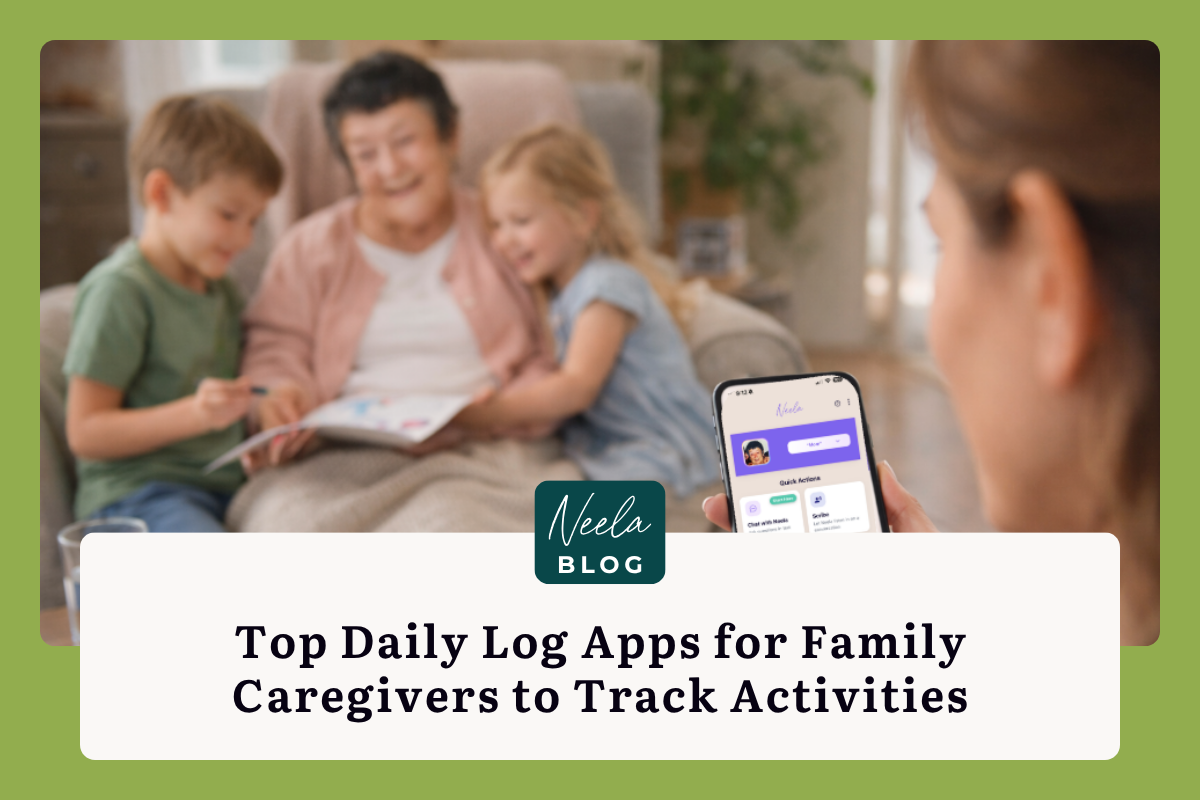
The best daily log app for family caregivers is the one you will actually use every day. Neela makes that part easy: you tell her what happened, from a skipped lunch to a new symptom, and she remembers it for your whole care network. Below, how daily logging works, which apps fit which situations, and how to build the habit without adding to your load.
Keeping track of a loved one's daily care can feel like trying to hold water in your hands. Between medications, meals, doctor's appointments, and mood changes, so much information slips through the cracks unless you have a reliable system in place. If you're a family caregiver searching for the best daily log apps to track activities and health details, you're already taking a smart step toward less stress and better care. The right app can replace scattered sticky notes and group text chains with something that actually works. And here's the good news: you don't need to be tech-savvy to get started. A handful of well-designed tools exist specifically for people in your shoes, and many of them are free or very affordable. This guide walks you through the top options, what to look for, and how to make digital logging a natural part of your day without adding to your already full plate.
A daily care log is more than a record. It's a safety net. When you're managing someone's health across days, weeks, and months, your memory alone isn't enough to catch gradual changes or remember which medication was adjusted three weeks ago. Written and digital logs create a timeline that reveals patterns you'd otherwise miss, like a recurring afternoon agitation or a slow decline in appetite that only becomes obvious when you see it charted over two weeks.
Family caregivers who log consistently also report feeling more in control. Instead of lying awake wondering whether you gave the evening dose or forgot it, you can check your log and breathe. That peace of mind matters, because a present and engaged caregiver is far more valuable than one who is technically perfect but emotionally exhausted.
Benefits of Real-Time Activity Tracking
Logging activities as they happen, rather than trying to reconstruct the day at bedtime, produces more accurate records. Real-time tracking catches details like the exact time a fall occurred, what your loved one ate before a blood sugar spike, or how long they slept during an afternoon nap. These specifics are gold when you're trying to identify triggers or report to a doctor.
Apps that allow quick entries, such as tapping a button for "meal eaten" or "walked 10 minutes," reduce the effort involved. The lower the friction, the more likely you'll stick with it. Caregivers who start with just two or three things to track, like meals, medications, and mood, tend to build the habit faster than those who try to log everything on day one.
Improving Communication with Medical Professionals
Doctors typically get a 15-minute window with your loved one. Walking in with a printed or shared digital log transforms that visit. Instead of vague descriptions like "she's been off lately," you can show a two-week record showing three episodes of confusion between 4 and 6 PM, each preceded by skipped meals. That kind of data helps physicians make faster, more informed decisions.
Platforms like Neela are designed with this exact scenario in mind, connecting appointments, notes, and daily observations into one continuous view of care. When your loved one's neurologist can see the same log your home health aide updated that morning, everyone operates from the same page.
Several apps stand out for their ability to combine multiple caregiving functions into a single platform. Lotsa Helping Hands focuses on community coordination, while CaringBridge blends updates with emotional support from friends and family. Each app has a different strength, so the best choice depends on what's draining you the most right now.
If your biggest pain point is keeping track of health data across multiple conditions, look for apps that allow custom fields. A caregiver managing both diabetes and early-stage dementia needs different tracking categories than someone overseeing post-surgical recovery.
Medication Management and Adherence Tools
Medication management isn't just about reminders. A truly helpful app maintains a master list of every drug, its purpose, the prescribing doctor, the dosage, and the refill date. When your loved one sees three different specialists who each prescribe independently, having this list in one place prevents dangerous interactions and duplicate prescriptions.
Apps like Medisafe send refill alerts and track adherence over time. If you're coordinating between multiple prescribers, you want something that lets you export or share the medication list before each appointment. Your first step here: open whatever app you choose and enter just the current medications today. Don't worry about the history yet. Get the present right first.
Vitals and Symptom Tracking Features
Blood pressure, blood sugar, weight, oxygen levels, and pain scores all tell a story when tracked over time. The best apps let you log these with timestamps and add brief notes for context, like "blood pressure taken after a stressful phone call" versus a routine morning reading.
Some apps integrate with Bluetooth-enabled devices like blood pressure cuffs and glucometers, automatically pulling readings into the log. If your loved one resists frequent manual checks, this automation can make a real difference. Look for apps that display trends as simple charts, because a visual showing a steady upward creep in blood pressure over six weeks communicates urgency far better than a list of numbers.
Caregiving rarely falls on one person's shoulders alone, even when it feels that way. Siblings, home health aides, neighbors, and church volunteers might all play a role. The challenge is making sure everyone knows what's been done and what still needs doing without endless phone calls and repeated texts.
Shared Calendars and Task Delegation
Apps like Lotsa Helping Hands and CaringBridge let you create shared calendars where family members can claim tasks: picking up prescriptions, driving to physical therapy, or sitting with your loved one while you take a break. This visibility reduces the "I didn't know you needed help" problem that breeds resentment among family members.
A good shared calendar also prevents double-booking and gaps. If Tuesday's aide calls in sick, everyone on the care team sees the open slot immediately. Your first step: list the five recurring weekly tasks that take the most time, then invite one family member to the app and assign them just one task. Start small.
Secure Messaging and Family Updates
Group texts get messy fast. Important updates get buried under emoji reactions and side conversations. Dedicated caregiving apps offer messaging channels specifically for care-related communication, keeping medical updates separate from casual family chat.
Neela, for example, brings appointments, notes, documents, and conversations into one place, turning scattered information into a clear picture of care. This is especially helpful when a respite caregiver steps in: instead of writing a three-page handoff document, you can point them to the app and say, "Everything you need is here." Include soft details too, like your loved one's favorite conversation topics, what music calms them, and which foods they refuse. These personal touches make substitute care feel less jarring.
Dementia caregiving has unique tracking needs that general health apps don't always address. Wandering incidents, sundowning episodes, repetitive behaviors, and communication changes all deserve their own log entries. Apps designed for memory care include categories tailored to cognitive decline.
Behavioral and Mood Pattern Recognition
Tracking mood and behavior at consistent times each day reveals patterns that can guide care decisions. You might discover that your father is most cooperative and alert between 9 and 11 AM, making that the ideal window for bathing or medical appointments. Or you might notice that agitation spikes every time a particular television show is on.
These patterns aren't obvious in the moment. They only emerge from consistent logging over weeks. Even a simple scale of 1 to 5 for mood, recorded three times daily, produces useful data within two weeks. Don't aim for perfection here: a "good enough" log that you actually maintain beats an elaborate system you abandon after four days.
Nutrition and Hydration Logging
Dehydration and malnutrition are surprisingly common among seniors receiving home care, partly because no one is systematically tracking intake. Logging meals and fluid intake doesn't need to be complicated. Note what was offered, what was actually consumed, and roughly how much.
Over time, this log helps you spot trouble: a gradual shift from eating full meals to picking at half portions, or consistently low fluid intake on days without a caregiver present. Some apps include photo logging, which is helpful when multiple caregivers share duties and need to see exactly what was served and how much was left on the plate.
Not every app works for every family. Before downloading five options and getting overwhelmed, think about your top two priorities. Is it medication tracking? Team coordination? Dementia-specific logging? Start with the app that solves your most urgent problem.
Data Privacy and HIPAA Compliance
Your loved one's health information deserves protection. Look for apps that explicitly state HIPAA compliance or, at minimum, use encrypted data storage and transmission. Free apps supported by advertising may share anonymized data with third parties, so read the privacy policy before entering sensitive medical details.
If multiple family members access the app, check whether it offers role-based permissions. You may want your sibling to see daily logs but not financial or legal documents. Neela, for instance, is built with caregiving-specific privacy in mind, keeping sensitive care information organized and secure rather than scattered across unsecured text messages and email threads.
User Interface and Ease of Use for Seniors
If your loved one will interact with the app directly, simplicity matters enormously. Large buttons, high contrast text, and minimal navigation layers make a real difference for someone with limited tech experience or mild cognitive impairment. Test the app yourself before introducing it: if you find it confusing, your 82-year-old mother certainly will.
Some caregivers pair a digital app with a physical emergency binder kept by the front door or in the car. The binder holds laminated summary sheets and essential documents, while the app handles daily tracking. This hybrid system means critical information is always accessible, even when a phone battery dies.
The best app in the world is useless if it sits unused on your phone. The trick is attaching logging to habits you already have. Log medications right after you give them. Record meals while you're cleaning up the kitchen. Enter a mood rating during your morning coffee. These pairings turn logging from a chore into an automatic reflex within about two weeks.
Start with just one or two data points. Once those feel effortless, add another. You're building a system that will serve you for months or years, so patience with yourself matters here. A caregiver who tracks three things consistently provides better data than one who tracks twenty things for a week and then quits.
Your first step today: pick one app from this guide, download it, and enter your loved one's name and current medications. That's it. You can explore the rest of the features tomorrow. You're already doing something incredibly hard by showing up every day for someone who needs you. Giving yourself a tool that makes the job a little easier isn't a luxury: it's essential infrastructure for the long road ahead.
Complete the form to receive notifications when new blogs are posted. You will only receive an email once a month!
Discover how family care apps streamline daily life by centralizing communication, coordinating schedules, and reducing the mental load on caregivers.
Learn how to choose and download the right caregiver app for your family to streamline medication tracking, sync appointments, and coordinate care...
Compare features and coordination tools to see whether Neela vs. Caring Village is the better family caregiver app for managing your daily medical...