Last updated: November 20, 2026

Managing Care for Your Whole Family

One place for everyone you care for.


When you're caring for more than one person, details get mixed up fast. Neela keeps each person's care separate, so you can ask about anyone by name.


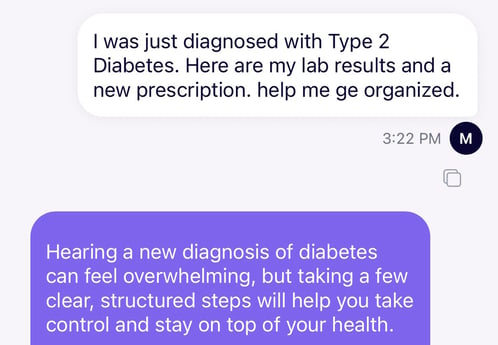
The fastest way: just ask Neela

Try Saying:

IMG_3588


Neela Will

1. Walk you through adding each family member as a separate care profile so everyone stays organized

2. Track each person's medications, providers, and appointments without mixing anything up

3. Surface the right information for the right person, since she knows whom you're asking about from context

4. Help you coordinate across family members by sharing care duties, updating others, and delegating tasks

5. Keep a running log of notes and observations for each person so nothing falls through the cracks


Do it yourself step-by-step


1. Tap People and add each family member as a separate care recipient.

2. For each person, add their providers, medications, and key documents to Vault.

3. Tap Calendar and set up appointments for each family member. They'll stay linked to the right person.

4. Tap Manage Access on each profile to invite co-caregivers and set what they can see.

5. Use Chat to ask Neela about a specific family member. Just mention their name and she'll pull from the right profile.

6. Tap Notes to log observations for each person separately so their records stay clean.

Related

neela_icon_people Sharing care coordination with your family

Bring in family and friends without having to explain everything from scratch.

Learn how to invite others to the care network 

neela_workflow_own_healthCaring for yourself

Stay on top of your own health and wellness

Learn about caring for yourself


Whatever comes up, just ask. 

Neela answers from everything you’ve shared, any time of day.

Start a chat