Keeping Kids' Medical Info in Sync Between Two Households (Co-Parenting)
Master co-parenting medical records with these practical tips for syncing health data and insurance info between households to ensure your child...
6 min read
Alexis Villazon : Published
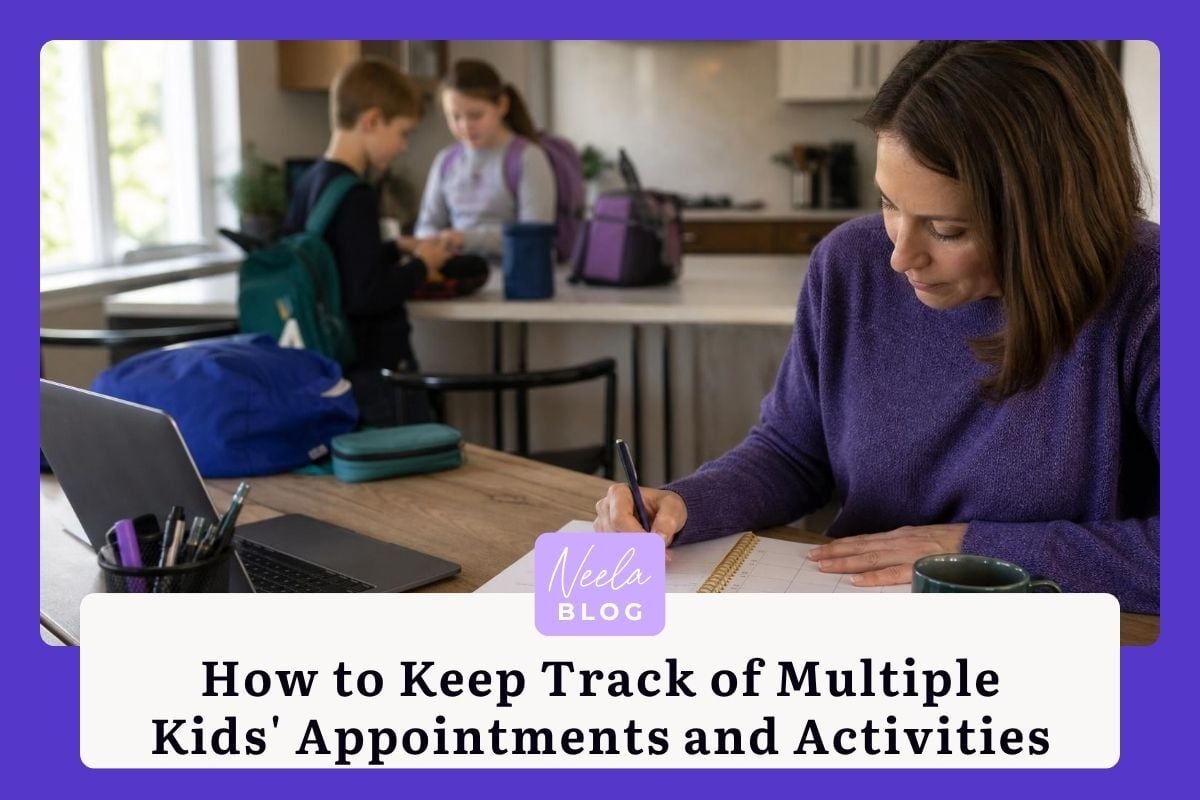
Between soccer practice on Monday, the pediatrician on Wednesday, a school play rehearsal Thursday afternoon, and your youngest's speech therapy every other Friday, keeping track of multiple kids' appointments and activities can feel like running air traffic control from your kitchen counter. And if you're also caring for an aging parent or a loved one with health needs, the mental load multiplies fast. The truth is, 78% of mothers say they do more than their spouse or partner when it comes to managing their children's schedules and activities, according to Pew Research Center. That imbalance makes having a reliable system even more critical: you shouldn't have to hold it all in your head.
This isn't about perfection. A "good enough" system that actually gets used beats an elaborate planner gathering dust on the shelf. You're already doing the hard part by showing up every day. The right tools and habits simply free up mental space so you can be more present with your kids instead of mentally cycling through who needs to be where and when.
When you're managing schedules for two, three, or more kids, information tends to scatter. One child's allergy details live in a text thread with your spouse. Another's tutoring schedule is scribbled on a sticky note by the fridge. Your mother-in-law, who does Tuesday pickups, gets updates through a phone call you keep forgetting to make. The first real win comes from pulling everything into one shared place that your whole care network can access.
Paper calendars and email threads can only do so much. A wall calendar can't send your partner a reminder that your daughter's orthodontist moved to 3:15 p.m. An email chain with your child's teacher gets buried under 40 unread messages by lunchtime. The friction comes from how many places you have to look to get the full picture. Start by picking one digital hub where schedule changes, appointment details, and activity logistics all live together. That single decision eliminates most of the "wait, did I tell you about..." moments that cause missed appointments.
The goal is a single source of truth that everyone in your family can see. Whether that's you, your co-parent, a grandparent who helps with rides, or an older sibling who sometimes picks up the younger kids, everyone should be looking at the same information. Neela is built for exactly this kind of shared view, bringing appointments, notes, tasks, and documents into one place for the whole care network. When Grandma can open an app and see that Thursday's piano lesson was canceled, she doesn't need to call you during your work meeting to confirm pickup time. That's one less interruption and one less thing you're carrying.
A shared calendar is only as useful as the habits you build around it. The families who make this work aren't necessarily more organized by nature. They've just committed to a few simple routines that keep the calendar accurate and useful.
Color-coding by child is a small step that makes a big visual difference. At a glance, you can see that your week is heavy on your oldest's commitments and lighter for your youngest, which helps with planning rides and meals. Set up recurring events for anything that happens on a regular cycle: weekly practices, monthly check-ups, biweekly therapy sessions. Then make it a habit to add new appointments the moment they're scheduled, right there in the parking lot or on the phone with the receptionist's office. Waiting until later is where things fall through the cracks.
Calendars show you when things happen. Task lists show you what needs to happen before, during, and after. Your child's annual physical isn't just a calendar event: it comes with tasks like updating the insurance card, writing down questions for the doctor, and filling out new patient forms. Assign these tasks to specific people. If your partner is handling the sports physicals and you're managing the dental cleanings, make that visible. Many caregivers find that clearly assigning responsibilities, rather than assuming the other person "just knows," reduces conflict around household labor and prevents double-booking or, worse, no one booking at all.
You leave the pediatrician's office, buckle your kid into the car seat, and realize you've already forgotten half of what the doctor said. Was it 5 milliliters or 5 milligrams? Did she say to come back in four weeks or six? This happens to everyone. The information simply comes too fast to hold onto while you're also being a parent in the room.
Taking notes during an appointment while also keeping a toddler from pulling the blood pressure cuff off the wall is a tall order. Neela's Scribe feature records appointment details and turns them into clear, readable summaries you can reference later and share with your partner or anyone else in your care network. Instead of relying on memory or hastily typed phone notes, you get an organized recap: what the provider said, what was recommended, and what follow-up is needed. That summary becomes the starting point for your next set of tasks and calendar entries.
Every parent accumulates a mountain of paperwork: immunization records, IEPs, sports physical forms, allergy action plans, report cards. When your child's school calls asking for an updated vaccination record, you don't want to be digging through a filing cabinet or scrolling through photos on your phone. Neela's Vault provides HIPAA-compliant storage for these documents, which means they're secure and accessible from anywhere. A practical first step: spend 20 minutes this weekend photographing or scanning the five most-requested documents for each child and uploading them. You'll thank yourself the next time a form is due by 8 a.m. tomorrow.
Once you have more than one child seeing multiple providers, the details start to blur. Which kid sees Dr. Patel and which one sees Dr. Reyes? Who prescribed the ear drops, and when is the refill due? Keeping a master list of each child's providers, including their contact information and what they treat, saves real time when you need to make a quick call or fill out intake paperwork.
For medications, go beyond just the name and dosage. Track the purpose of each medication, the prescribing provider, and the refill date. If one child takes daily allergy medication and another uses an inhaler before sports, those details matter for babysitters, school nurses, and grandparents. A hybrid approach works well here: keep the master list in a digital app where it stays current, and print a laminated summary card for the diaper bag, the car's glove box, and anyone who watches your kids regularly. Medication errors in pediatric patients are more common than most parents realize, and a clear, accessible medication list is one of the simplest ways to prevent them.
The real shift in managing multiple kids' schedules and activities comes from tools that think ahead with you. AI-powered features can spot patterns, surface reminders, and answer questions faster than flipping through a binder ever could.
When your child's allergist mentions a "step-down protocol" or your school sends home a letter about updated accommodation plans, you might not know exactly what that means or what you need to do next. Neela's Chat feature lets you ask questions in plain language and get answers drawn from your own stored care information. She can help you understand what a provider recommended, what forms you might need, or what questions to ask at the next visit. Think of her as a knowledgeable friend who's read every note and document in your care files and can pull up the relevant details in seconds.
The best systems record what happened and help you prepare for what's coming. Real-time updates and reminders mean you're not blindsided by an expired sports physical the night before tryouts. When your care information lives in one connected place, it becomes easier to see the full picture across all your children. You can notice that two appointments overlap, that a medication refill is coming due the same week as a school field trip requiring a health form, or that you haven't scheduled your youngest's six-month dental check yet. Parents who use shared digital calendars report fewer scheduling conflicts and less stress around family logistics, which makes sense: you can't manage what you can't see.
Your kids' schedules will only get busier. The system you build now, whether your youngest is in diapers or your oldest is starting middle school, should be flexible enough to grow alongside them. Start with the basics: one shared calendar, one place for documents, one list of providers and medications per child. Then layer in tools like Neela as your needs expand.
The goal is a reliable system, not a flawless one. One where your co-parent can check the schedule without texting you, where a grandparent doing pickup has the allergy list on their phone, and where you can walk into any appointment feeling prepared rather than frazzled. You're already doing the work of showing up for your kids every single day. A good system just makes sure nothing important slips through while you're busy being present for the moments that matter. Try Neela at neelacares.com and give yourself the gift of one less thing to remember.
Complete the form to receive notifications when new blogs are posted. You will only receive an email once a month!
%209.28.jpg)
Master co-parenting medical records with these practical tips for syncing health data and insurance info between households to ensure your child...

Learn why ChatGPT is not HIPAA compliant and what families need to know to protect their private medical data when using AI chatbots for health...

Explore how AI enhances family caregiving by improving safety, managing logistics, and easing isolation, making life easier for caregivers and their...