Respite for Caregivers: How to Take a Break Without Compromising Care
Learn how respite care helps family caregivers take a break without compromising care. Find trusted programs and get help within 30 days.
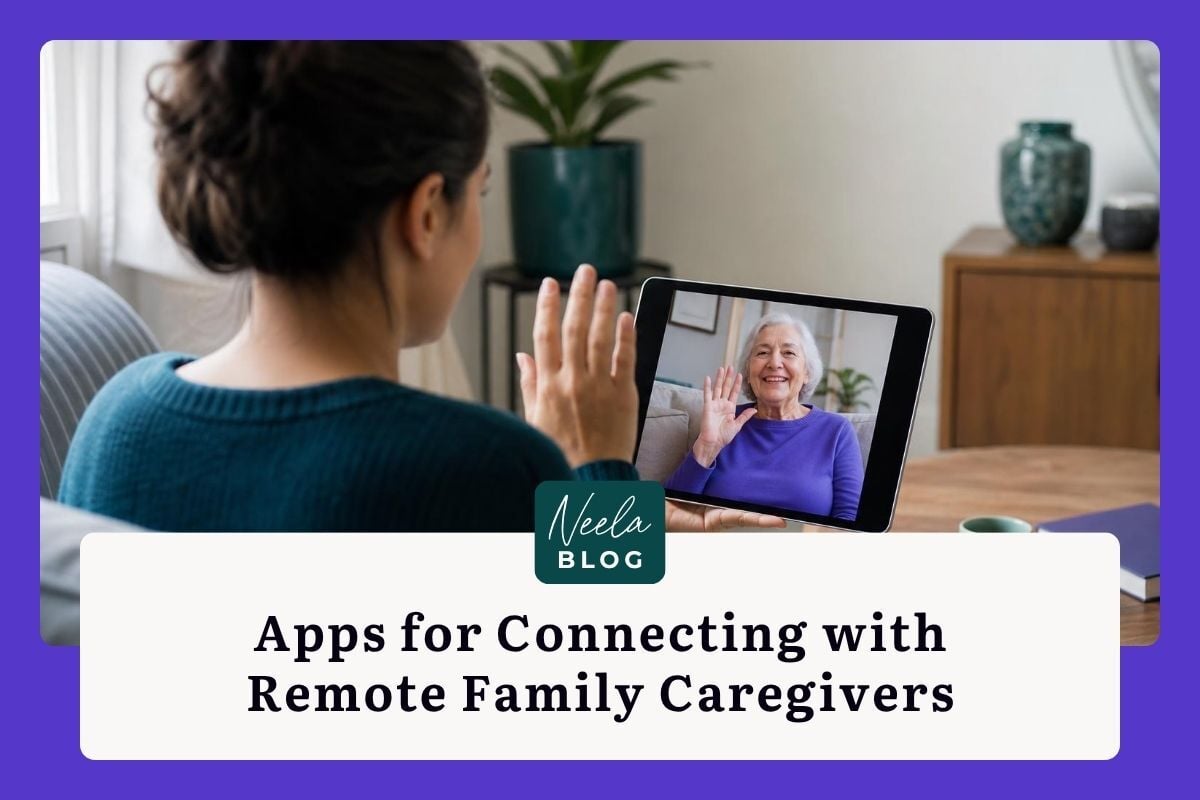
When a parent or grandparent needs daily care and half the family lives in another state, the gap between wanting to help and actually helping can feel enormous. You're not alone in that frustration. According to AARP's 2025 caregiving report, roughly 11 million Americans provide care coordination for a loved one who lives more than an hour away. The good news? A growing category of family care management apps is designed specifically to close that distance, giving remote caregivers real ways to contribute beyond worried phone calls.
This guide is for you if you're searching for the right apps to connect with remote family caregivers and wondering which features actually matter. Maybe you're the sibling across the country trying to stay involved, or the primary caregiver who desperately needs your family to share the load. Either way, the right digital tools can turn scattered group texts and forgotten voicemails into a coordinated care system that works for everyone. You don't need to be tech-savvy to make this happen: you just need to know what to look for.
Remote caregiving isn't just about checking in. It includes managing medications from afar, coordinating doctor's appointments, handling insurance paperwork, tracking mood and behavioral changes, and making sure the local caregiver isn't drowning. The challenge is that these tasks are spread across different people, time zones, and communication channels.
A 2025 National Alliance for Caregiving study found that families with at least one remote caregiver spent an average of 7.2 hours per week on care coordination alone, much of it duplicated effort. Someone calls the pharmacy, not knowing a sibling already did. Someone books a ride to a specialist, not realizing the appointment was rescheduled. These aren't failures of love: they're failures of information flow.
The first step is honest. Sit down with your family and list every recurring care task, who currently owns it, and where communication breaks down. That list becomes your shopping guide for the right app.
The simplest feature is often the most transformative: a shared, persistent communication space dedicated to caregiving. Group texts get buried under birthday photos and memes. Email threads get lost. What remote families need is a single place where every message, update, and decision lives in context.
Look for apps that offer threaded conversations organized by topic, not just a single chat stream. If your mom's cardiologist changes her medication, that update should be findable weeks later without scrolling through hundreds of messages. Neela, for example, connects conversations to specific care events, so a note about a medication change stays linked to the appointment where it happened. That kind of structure means the sibling who checks in on weekends can catch up in minutes instead of piecing together a week's worth of scattered texts.
A quick win here: pick one app this week and move all care-related conversations there. Just one channel, one place. You'll feel the difference within days.
Caregiving generates a surprising number of recurring tasks: refilling prescriptions, scheduling transportation, restocking supplies, updating insurance forms. When these tasks live in one person's head, that person becomes a bottleneck and, eventually, a burnout risk.
The best coordination apps let you create task lists, assign owners, set due dates, and track completion. Think of it as a shared to-do list with accountability built in. Some apps like CareZone and Lotsa Helping Hands have offered this for years, but newer platforms go further by learning patterns over time. Neela tracks care activities and surfaces reminders based on your family's actual routines rather than generic schedules.
Pricing varies widely. Free tiers on most apps cover basic task lists and messaging. Paid plans, typically $8 to $25 per month, unlock features like document storage, medical integrations, and unlimited family members. For most families, a mid-tier plan pays for itself in reduced confusion alone.
If your family shares caregiving shifts, whether in-person or remote, a shared calendar is non-negotiable. But a generic Google Calendar won't cut it for complex care. You need a calendar that distinguishes between medical appointments, therapy sessions, caregiver shift changes, and medication windows.
The best apps sync with phone calendars so nobody has to check a separate system. They also allow notes on each event: which doctor, what to ask, what documents to bring. When a remote caregiver books a telehealth appointment, the local caregiver sees it instantly and can plan their day accordingly.
Start by migrating your loved one's next month of appointments into a shared care calendar. Add one detail to each entry that would help someone unfamiliar with the routine.
Blood pressure cuffs, glucose monitors, pulse oximeters, and smart scales now routinely transmit data via Bluetooth or Wi-Fi. The real value for remote families comes when that data flows into a shared dashboard everyone can see.
Apps like CarePredict and MyChart (through participating health systems) aggregate device readings into trend lines that make it easy to spot changes. If your father's blood pressure has been creeping up over three weeks, a visual trend tells you more than any single reading. Some platforms flag readings that fall outside physician-set parameters and push notifications to designated family members.
The cost of compatible IoT devices ranges from $30 for a basic Bluetooth blood pressure cuff to $200 or more for continuous glucose monitors. Many Medicare Advantage plans now cover remote monitoring devices, so check your loved one's benefits before purchasing out of pocket.
When something goes wrong, speed matters. Fall detection pendants and smart home sensors can trigger automatic alerts to multiple family members simultaneously, regardless of where they live. Apps like Medical Guardian and Lively integrate with wearable devices to send GPS-tagged emergency notifications.
For remote caregivers, the key feature is a cascading alert system: if the primary contact doesn't respond within a set window, the alert escalates to the next person on the list. This ensures someone always responds, even across time zones.
One practical first step: program your loved one's emergency contacts into both their phone and their monitoring device. Make sure at least two family members receive alerts, and test the system once a month.
Power of attorney documents, insurance cards, medication lists, advance directives: these papers are critical, and they're often scattered across filing cabinets, email attachments, and kitchen drawers. Remote caregivers need secure, instant access to these documents, especially during emergencies.
Not every file-sharing app meets healthcare privacy standards. Look for platforms that offer HIPAA-compliant storage, which means encrypted data both in transit and at rest, access controls, and audit logs. Neela provides a centralized document hub where families can store and organize care-related files with appropriate privacy protections, making it possible for an out-of-state sibling to pull up an insurance card during a hospital admission without frantic phone calls.
I also recommend a hybrid approach: keep digital copies in your care app and maintain a physical emergency binder with laminated summary sheets. Store copies in the car, by the front door, and with at least one remote family member.
Medication management is more than setting pill reminders. A complete system includes a master list of every medication with its purpose, dosage, prescribing doctor, pharmacy, and refill date. When your loved one sees multiple specialists, this list prevents dangerous interactions and duplicate prescriptions.
Apps like Medisafe and CareZone offer medication tracking with refill reminders and interaction warnings. The best setups also log when medications were actually taken, not just when they were supposed to be, creating a record you can share with physicians.
Your first step: create a single document listing every current medication, its purpose in plain language, and the prescriber's name. Share it with every family member involved in care.
Technology can't replace a hug, but regular video calls do something powerful: they let remote family members observe subtle changes in mood, appearance, and cognitive function that phone calls miss. A weekly video visit where you notice your mom seems more confused than last week is valuable clinical information, not just a social call.
Some care apps now include built-in video calling so that the call, any notes you take during it, and follow-up tasks all live in one place. If your app doesn't offer this, simply schedule a recurring video call on Zoom or FaceTime and commit to logging observations in your shared care platform afterward.
Don't underestimate the emotional value for your loved one, either. Seeing a grandchild's face on a screen can brighten an entire week.
Caregiving can feel isolating, especially from a distance. Several apps now include access to community forums where families share strategies, vent frustrations, and offer encouragement. Some platforms connect users with geriatric care managers, social workers, or nurse navigators for professional guidance.
The Eldercare Locator (run by the U.S. Administration on Aging) and your local Area Agency on Aging are free resources that can connect you with in-person support near your loved one. Many families don't realize these services exist until a crisis hits.
A small but meaningful step: join one online caregiver community this week. Even reading other families' experiences can reduce the feeling that you're figuring this out alone.
No single app works perfectly for every family. The right choice depends on your family's size, tech comfort level, budget, and the complexity of your loved one's care needs. A family managing early-stage dementia care across three states has different requirements than two siblings coordinating post-surgery recovery.
Here's a practical framework for choosing:
Neela fits well for families who want one continuous view of care: appointments, notes, documents, and conversations connected in a way that reduces the chaos of managing information across multiple tools. If your biggest pain point is that nobody knows what happened at last Tuesday's doctor visit, that kind of centralized approach is worth trying.
The most important thing isn't which app you pick. It's that you pick one and get your family using it consistently. A "good enough" system that everyone actually uses beats a perfect system that sits on one person's phone. Start with the smallest possible commitment: one shared calendar, one message thread, one document folder. Build from there. You're already doing something remarkable by showing up for your family from a distance, and the right tools just make that effort count for more.
Complete the form to receive notifications when new blogs are posted. You will only receive an email once a month!
Learn how respite care helps family caregivers take a break without compromising care. Find trusted programs and get help within 30 days.
Learn how to choose and download the right caregiver app for your family to streamline medication tracking, sync appointments, and coordinate care...

Compare Neela vs CaringBridge to find the best tool for managing daily caregiving tasks or sharing health updates with your community in this guide.