How Family Care Apps Simplify Daily Life
Discover how family care apps streamline daily life by centralizing communication, coordinating schedules, and reducing the mental load on caregivers.

Your mom's doctor just changed her medication again, your brother in Denver wants an update, and you can't remember if anyone confirmed Thursday's physical therapy appointment. Sound familiar? Managing care for an aging parent usually means keeping a dozen moving pieces straight across several family members, and most of it lives in your head or in a group chat that moves too fast. A growing category of apps now helps families share responsibilities, track health details, and stay aligned in one place. Some handle medications, others handle scheduling, and a few try to bring everything together.
Most families start out managing a parent's care the same way: a folder of papers on the kitchen counter, a group chat that moves too fast, and one sibling who becomes the unofficial keeper of all information. That system works until it doesn't, and the breaking point usually arrives with a missed prescription refill or a forgotten follow-up appointment.
Digital tools give every person in your care network access to the same information at the same time. When your sister can pull up Dad's medication list from her phone in another state, you have removed an entire category of phone calls from your week.
What makes 2026 different from even a few years ago is that these apps have matured. Early versions were clunky, required too much manual input, and often felt like they were built for hospital administrators. The current generation is lighter, smarter, and designed around how families actually communicate. Some use AI to summarize appointments. Others create shared task boards that update in real time. The trick is matching the right tool to your family's specific pressure points, because no single app does everything perfectly.
A helpful first step: spend one week writing down every care-related task that causes friction. That list becomes your shopping guide.
Integrated apps solve several problems in one place. Instead of separate tools for scheduling, notes, and communication, these platforms bundle core features together. For families getting started with digital tools, an integrated app usually lowers the learning curve because there is one login, one interface, and one place to check.
The trade-off is depth. A dedicated medication tracker might offer more granular dosing alerts than an all-in-one platform. For most families, though, having most of the functionality in one shared space beats maintaining five separate apps that nobody fully adopts.
Two integrated options are worth evaluating, each with a distinct approach.
Neela is built specifically for unpaid family caregivers. She is a lifestyle and family management layer for caregiving, bringing appointments, notes, documents, medications, providers, tasks, and conversations into one shared view for everyone in the care network.
What sets Neela apart is the AI built into daily use. Chat gives you plain-language answers to caregiving questions, which is genuinely useful at 11 p.m. when you are wondering whether a new symptom warrants a call to the doctor. Scribe, available on mobile, turns appointment details into clear transcripts and summaries you can share with the rest of the family, so the person who attended the visit doesn't have to retype everything into a group chat.
Neela's Vault provides secure, encrypted document storage, so insurance cards, advance directives, and discharge papers live in one searchable place that the whole family works from.
Pricing is straightforward. The Core Care Network is $12/month or $120/year and covers up to four members. The Extended Care Network is $24/month or $240/year for unlimited members with priority support. Both include a free trial, and Neela runs on mobile and web.
Lotsa Helping Hands takes a community-first approach. It is designed to help families organize the practical help that friends, neighbors, and extended family want to provide but don't know how to offer. Think meal deliveries, rides to appointments, and visits.
The platform works through a shared calendar where helpers sign up for specific tasks. If your parent's church group wants to bring dinners three nights a week, Lotsa Helping Hands turns that goodwill into an organized schedule. It is free, which makes it easy to share widely.
Two limitations are worth knowing. Lotsa Helping Hands doesn't handle medical details, medication tracking, or document storage, so it pairs best with another tool that covers those needs. It is also primarily web-based and hasn't seen major feature updates in recent years, so the interface feels dated next to newer apps. For the logistical side of rallying a support community, it still fills a real gap.
Some challenges call for focused tools. Medication management and clinical communication are two areas where specialized apps consistently outperform general-purpose platforms. If your parent takes multiple prescriptions from different providers, a dedicated medication app can prevent gaps or overlaps.
Medisafe is one of the most established medication management apps. You enter each medication with its dosage and schedule, and Medisafe sends reminders at the right times. The Medfriend feature lets a family member receive an alert if a dose is missed, which is especially valuable when you are helping from a distance. The app also flags potential drug interactions, which matters when your parent sees several specialists who may not know about each other's prescriptions.
One important update: Medisafe moved to a subscription model in January 2026. The free tier now caps how many medications you can track and limits Medfriend connections in many countries. Premium runs about $4.99/month or $39.99/year and unlocks unlimited medications and Medfriends. If your parent takes more than a couple of prescriptions, plan on the paid tier.
A practical first step: gather every prescription bottle, enter them all in one sitting, and invite at least one other family member as a Medfriend. That single session creates a safety net that runs on autopilot.
If your parent's healthcare providers use Epic, MyChart gives you direct access to lab results, visit summaries, and secure messaging with clinical staff. Setting up proxy access for an aging parent takes some paperwork at the provider's office, and it is worth the effort.
MyChart is a patient portal, so it solves one specific, high-friction problem: getting accurate medical information without playing phone tag with a nurse's office. You can review test results, request prescription renewals, and check upcoming appointments from your phone.
The gap is coverage. MyChart only reaches providers within the same health system. If your parent sees a cardiologist at one hospital and a primary care doctor at another, you may need separate accounts. Pair it with a tool like Neela to pull those details into a single family view.
You don't always need a purpose-built caregiving app. Sometimes the tools already on your phone handle the basics, especially if your family is comfortable using them.
A shared Google or Apple calendar is the simplest way to keep everyone aware of upcoming appointments, therapy sessions, and recurring tasks. Create a dedicated calendar called something like "Mom's Care," share it with every family member, and add appointments as they are scheduled.
The advantage is zero learning curve. Everyone already knows how calendar apps work. You can set reminders, color-code by type (medical, social, household), and see at a glance who is handling transportation. For families that are slower to adopt new technology, a shared calendar is often the easiest win.
The downside is that calendars don't store context. You will know Mom has a cardiology appointment on Tuesday without the notes from her last visit, the list of questions to ask, or the insurance information you will need at check-in. Neela connects calendar entries with notes, documents, and provider details, so an appointment becomes a complete picture of what needs to happen.
The goal is a small, manageable set of tools that cover your family's actual needs without creating more work than they save.
Start by identifying your top three pain points. Are medications getting missed? Is information sitting with one sibling? Are community helpers eager to pitch in without a system? Your answers point directly to which category of app deserves attention first.
Pricing matters too. Lotsa Helping Hands is free. MyChart is free through your provider. Medisafe and Neela both use subscriptions, and both give you a way to try before you commit. Weigh the monthly cost against what an hour of phone tag with your brother about Dad's prescriptions actually takes out of your week.
One of the most underrated features in a caregiving app is secure document storage. Insurance cards, power of attorney forms, discharge instructions, and medication lists need to be accessible to several family members at a moment's notice. When these documents live in a shoebox or a single person's email, you have a bottleneck that shows up at the worst possible time.
Look for apps that offer encrypted storage. Neela's Vault keeps these documents in one secure location the whole care network can reach. Appointment summary features are another time-saver: Scribe turns a visit into a shareable summary, which removes the need for one family member to relay everything discussed.
The best app is the one your family will actually use. If your 72-year-old aunt is part of the care network, a tool with a steep learning curve will sit unused on her phone. Test any app you are considering by asking: could I explain this to the least tech-savvy person in our family in under five minutes?
Look for clean interfaces, minimal required steps, and the ability to participate through familiar channels like text notifications or email summaries. Some apps let less-active family members receive updates passively, which keeps everyone informed without demanding equal engagement from every person.
A good trial run: pick one app, set it up with two family members, and use it for two weeks before rolling it out to the wider group. That small test surfaces usability issues before they become adoption barriers.
No single app handles every dimension of caring for an aging parent. Families who make this work tend to use two or three tools: one integrated platform for the daily rhythm of care, one specialized app for a high-stakes need like medications, and sometimes a shared calendar for the simplest layer of visibility.
Skip the idea of a perfect system on day one. Start with your biggest source of friction, pick one tool that addresses it, and build from there. A good enough setup that your family actually uses will always outperform a sophisticated system that sits untouched.
If you want a single starting point, Neela brings appointments, medications, notes, and documents together in one place for your whole family. The same setup works whether you are caring for a parent, a partner, or a new baby. Try Neela free for 7 days. Cancel anytime before your trial ends and you won't be charged.
Complete the form to receive notifications when new blogs are posted. You will only receive an email once a month!
Discover how family care apps streamline daily life by centralizing communication, coordinating schedules, and reducing the mental load on caregivers.
Learn how to choose and download the right caregiver app for your family to streamline medication tracking, sync appointments, and coordinate care...
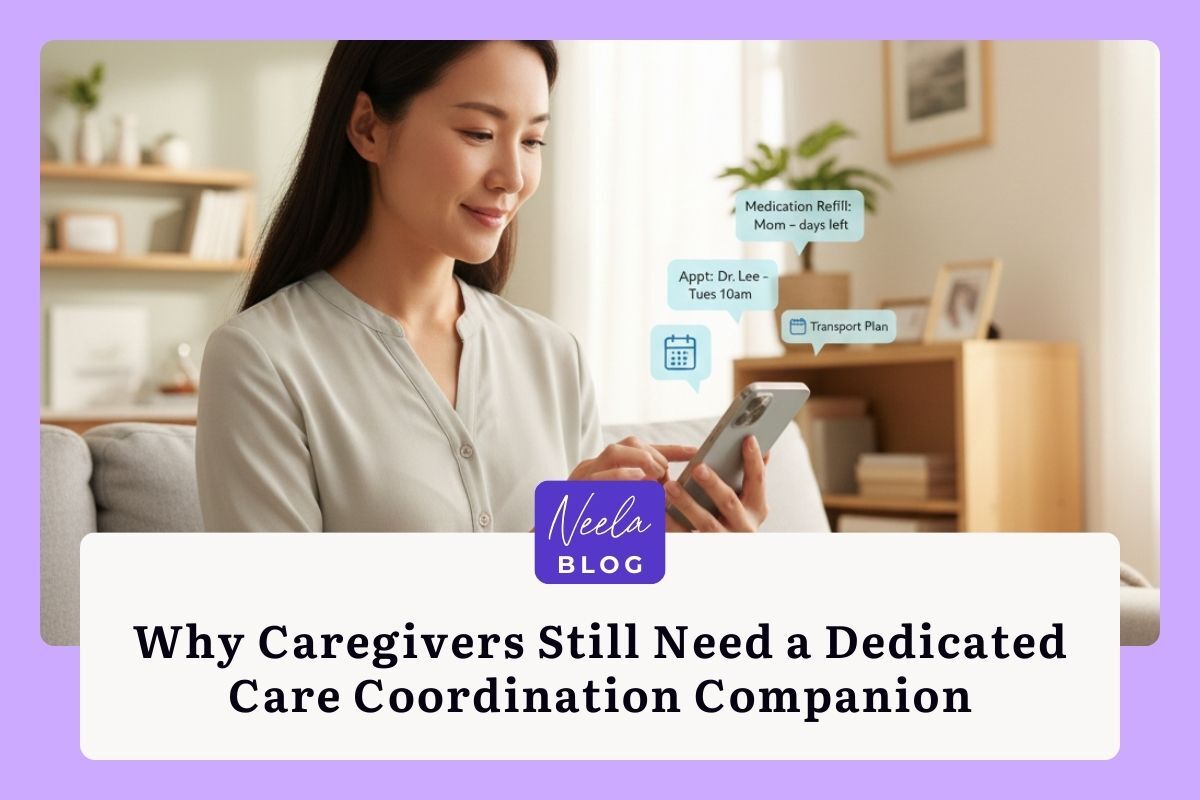
Caregivers need more than AI answers; they need tools like Neela for comprehensive care coordination and support over time.